
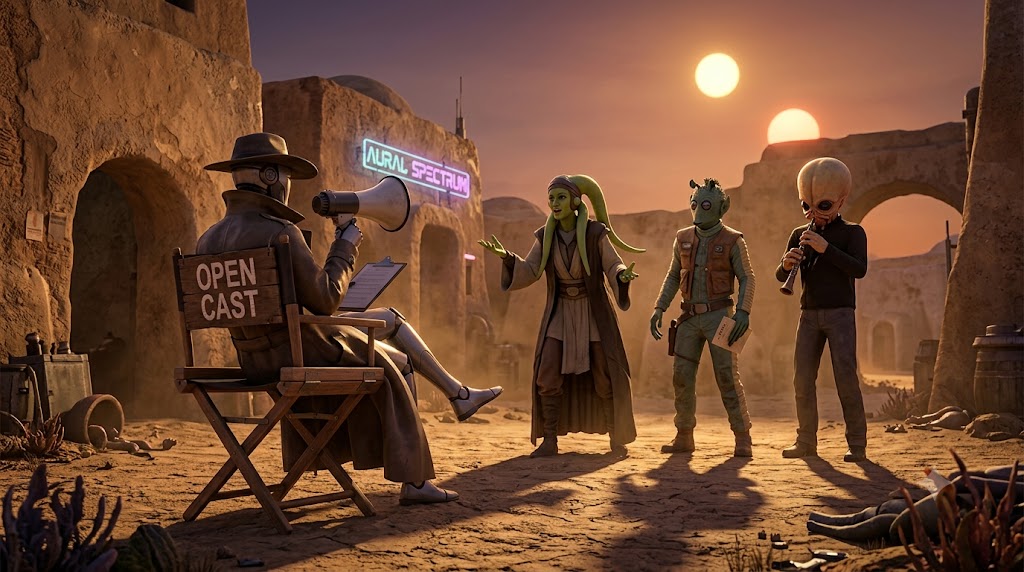
What if you could describe a fictional universe, and the right people from that universe just showed up — automatically — based on whatever you're talking about right now? Ask about flying and the pilot appears. Switch to the rebellion's strategy and the tactician takes their seat. Nobody you had to pre-select. Nobody you had to configure. The room assembles itself.
That's what BMAD open-cast party rooms do. You write one sentence describing a world. Then you just talk.
I've built 55 ready-to-use open cast rooms — business strategy, startup, creative, technical, career, and more — and embedded them directly on this site. No install required to browse.
→ Explore all 55 rooms at preibisch.biz/party — copy any scene and paste it into Claude Code or Claude Desktop to walk in.
Say you're 34 with a mortgage and someone just offered you double your salary. But you've been thinking about building something of your own. You could ask Claude. Or you could open a room with four people who've actually been at this exact crossroads.
Run this in Claude Code:
/bmad-party-mode
Then paste this scene description:
Four people who've all sat at the same crossroads — someone who left a stable job to build a company and can tell you what that actually looked like, a financial planner who runs the real numbers before anyone talks about dreams, a career coach who has heard this exact conversation 300 times and knows the patterns, and someone who stayed in the safe job and can tell you exactly what that costs eight years later. They don't give comfortable answers. Bring in whoever is most relevant to what I'm actually asking about.
Here's what that session might look like:
Four different relationships to this decision. None of the same answer. That's the point.
Now switch the topic. Ask about the financial math and Dana leads. Ask about your specific idea and Morgan pushes back. Ask about what you'd regret and Sam speaks. The room casts itself around whatever you're actually grappling with. You don't change anything — you just keep talking.
The career room you just built was temporary — it existed for that one session. If you want it back next week without re-pasting the whole scene, save it. It takes one sentence.
Save this as a party so I can load it again later.
BMAD captures the personas and the scene exactly as they have been playing, then asks you three quick things:
- An id — a short handle like
crossroads-crew. This is the exact name you type after--partynext time. - A display name — what shows at the top of the room, e.g. “The Crossroads Crew.”
- Memory? — say yes and the room remembers past sessions: the dynamics between people, threads you left open, callbacks to earlier conversations.
That is it. BMAD writes it to your config and confirms. From now on, one command reopens the exact same room — same people, same scene, same history:
/bmad-party-mode --party crossroads-crew
--party. That is the whole trick — and it is how the three rooms below launch. engineering-legends, yc-advisors, and enterprise-bridge were each saved once, and now open with a single command.
/bmad-party-mode — with no flag at all — walks you straight into that room.
These are already set up and saved. Just copy the command and run it.
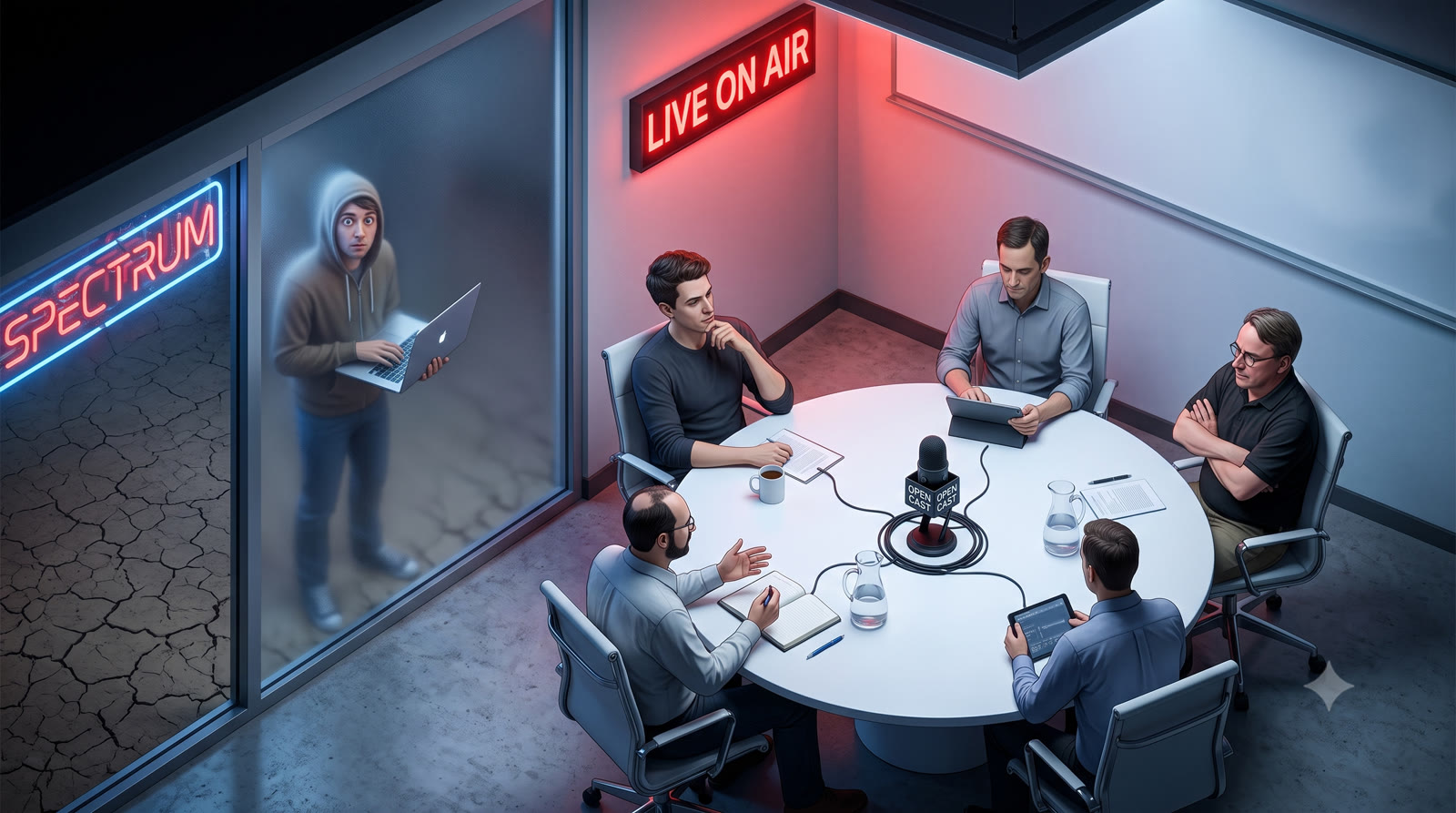
/bmad-party-mode --party engineering-legends
Try asking: "New product, team of 4. Monolith or microservices?" — Linus, Fowler, and Jeff Dean will not agree.
Save this room as a party so I can load it again later, and tell me the exact --party command to reopen it.
/bmad-party-mode --party yc-advisors
Pitch your idea. Or describe what you're stuck on. They'll push back on the parts you're rationalizing.
Save this room as a party so I can load it again later, and tell me the exact --party command to reopen it.
/bmad-party-mode --party enterprise-bridge
Ask anything. Project planning, ethical dilemmas, how long a feature will actually take. Scotty will tell you why you're wrong about the timeline.
Save this room as a party so I can load it again later, and tell me the exact --party command to reopen it.
You're not limited to these three. Run this command and just tell BMAD what universe you want:
/bmad-customize
Then just describe it in plain English:
"Create a room with the women who led the civil rights movement — Rosa Parks, Fannie Lou Hamer, Diane Nash. Let whoever is most relevant to the topic speak."
"I want a room of fictional detectives — Sherlock Holmes, Hercule Poirot, Nancy Drew. They should argue about what the evidence actually means."
"A room of tech founders who failed publicly — MySpace, Vine, Theranos. Let them share what they would have done differently."
BMAD asks you for an id, writes the config, shows you what it built, and saves it. From then on, one command — /bmad-party-mode --party your-id — launches the room. (Same save flow as Save a room so it loads next time above.)
Not ready to build your own? preibisch.biz/party has 55 rooms across 10 categories — business, startup, creative, technical, career, personal growth, and more. Copy any scene and paste it straight into Claude Code.
The three rooms above use famous names — but the real unlock is casting people who don't exist yet: a synthetic focus group built from your actual market. If you're staging a product launch or kicking off a new initiative, you can rehearse it in front of the audience before the audience ever sees it.
Have Claude research the demographics of your niche, then feed it real signal: threads from the subreddit, Discord, or Facebook group where your customers actually hang out, reviews of competing products, your own support tickets. The more grounded the input, the more honest the room.
Ask open-cast to build a room of characters that represent that audience instead of famous personalities — the skeptical bargain-hunter who's been burned before, the power user who wants depth, the busy parent who needs it to just work, the early adopter who'll forgive rough edges. Each persona is drawn from the patterns in your research, not invented out of thin air.
Now run your launch copy, your pricing, your positioning past them. The skeptic pokes holes in your guarantee. The power user asks the question your landing page never answers. The parent tells you the onboarding is too long. You hear the objections before your real market does — and fix them before launch instead of after.
"Research the demographics of indie founders who sell software to small e-commerce stores. Here are 40 threads from r/ecommerce and our last 60 support tickets. Build me a room of 5 characters that represent this market — different budgets, technical levels, and pain points — and let whoever's most relevant react when I pitch them my new pricing page."
The same move works for any new initiative: a policy change, a community announcement, a feature nobody asked for. Stage it in front of a room that thinks like the people it'll actually land on, and let them tell you what breaks.
Open-cast rooms are one of five new tools in 6.9.0. Each gets its own deep-dive.
This section is for developers who want to understand the mechanics. Everything above works without knowing any of this.
How open-cast works: Every BMAD party group can have a members array. When that array is absent or empty, resolve_party.py sets open_cast: True on the group. SKILL.md reads that flag and instructs the model to cast dynamically from the scene description rather than from a fixed roster.
The config lives at: _bmad/custom/bmad-party-mode.user.toml — personal, gitignored by default. A team version lives at _bmad/custom/bmad-party-mode.toml (committed, shared).
Anchoring: Add a members list alongside your scene to pin specific faces while keeping the room open to others. The listed members are always present; the scene invites others in.
Face-saving: After a session where unexpected characters showed up, BMAD offers to save them. Saving writes them to your user TOML as party_members. For open-cast rooms, they don't get added to members (that would fix the roster) — they stay in the collective, reachable by name or by the scene.
Comments
Loading comments…
Leave a comment